
Wow, I was waiting for this one.
For as long as we remember, the Amex Offer interface in the login was a running list which was very easy to navigate.
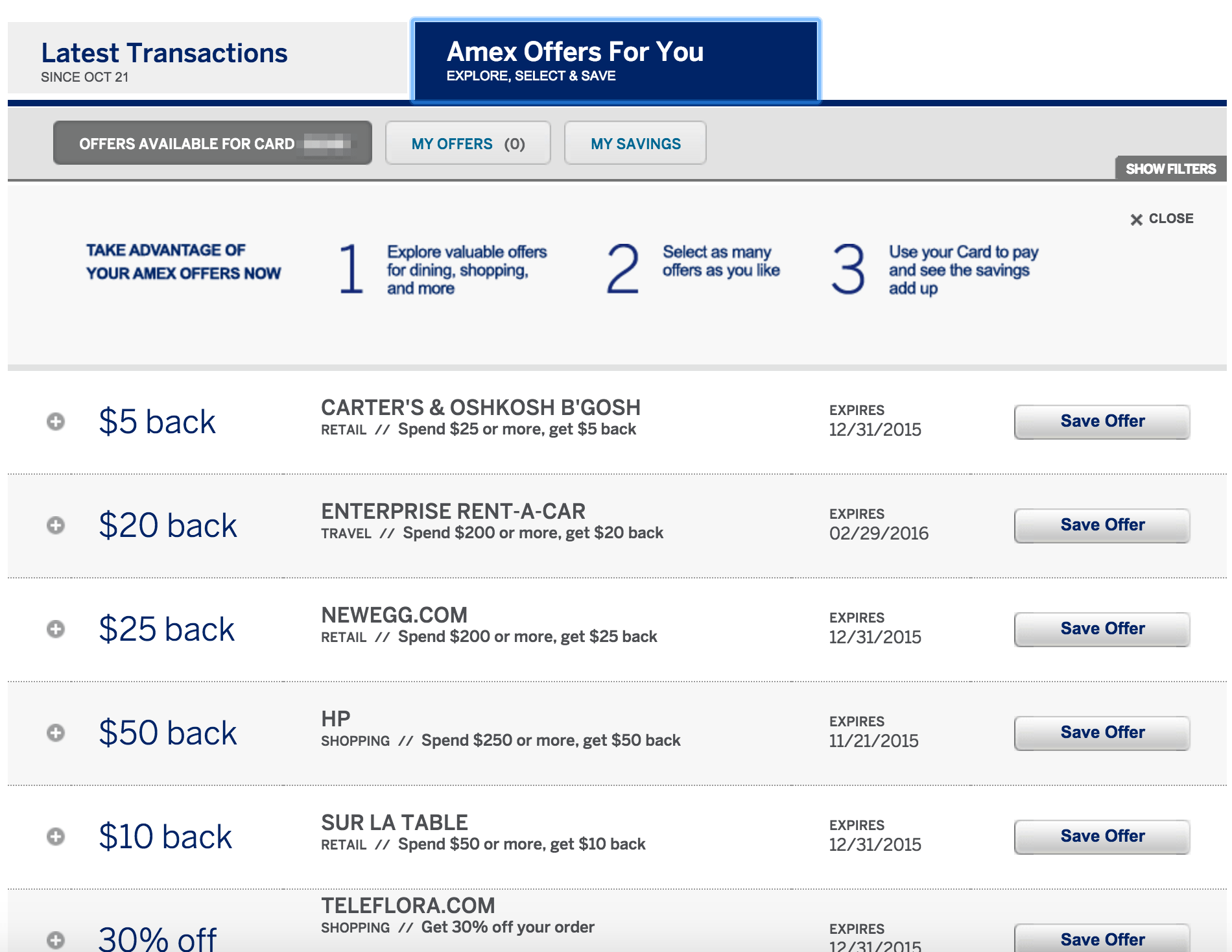
Recently, as part of a site redesign, Amex make the interface a sliding design which allowed us to see the new offers by clicking the arrow buttons. It may or may not have been more aesthetically pleasing, but it was definitely more annoying to navigate.This lead to suggestions such as using the mobile site instead or to using a special link which brings you back to the old design. (Incidentally, the link still works.)

Luckily, it seems many people weren’t happy with the new design and we now have version #3 which is both aesthetically pleasing and easy to navigate. It’s very similar to the version #1, just with a new look and with a slightly different slide-down option when clicking to see the details.
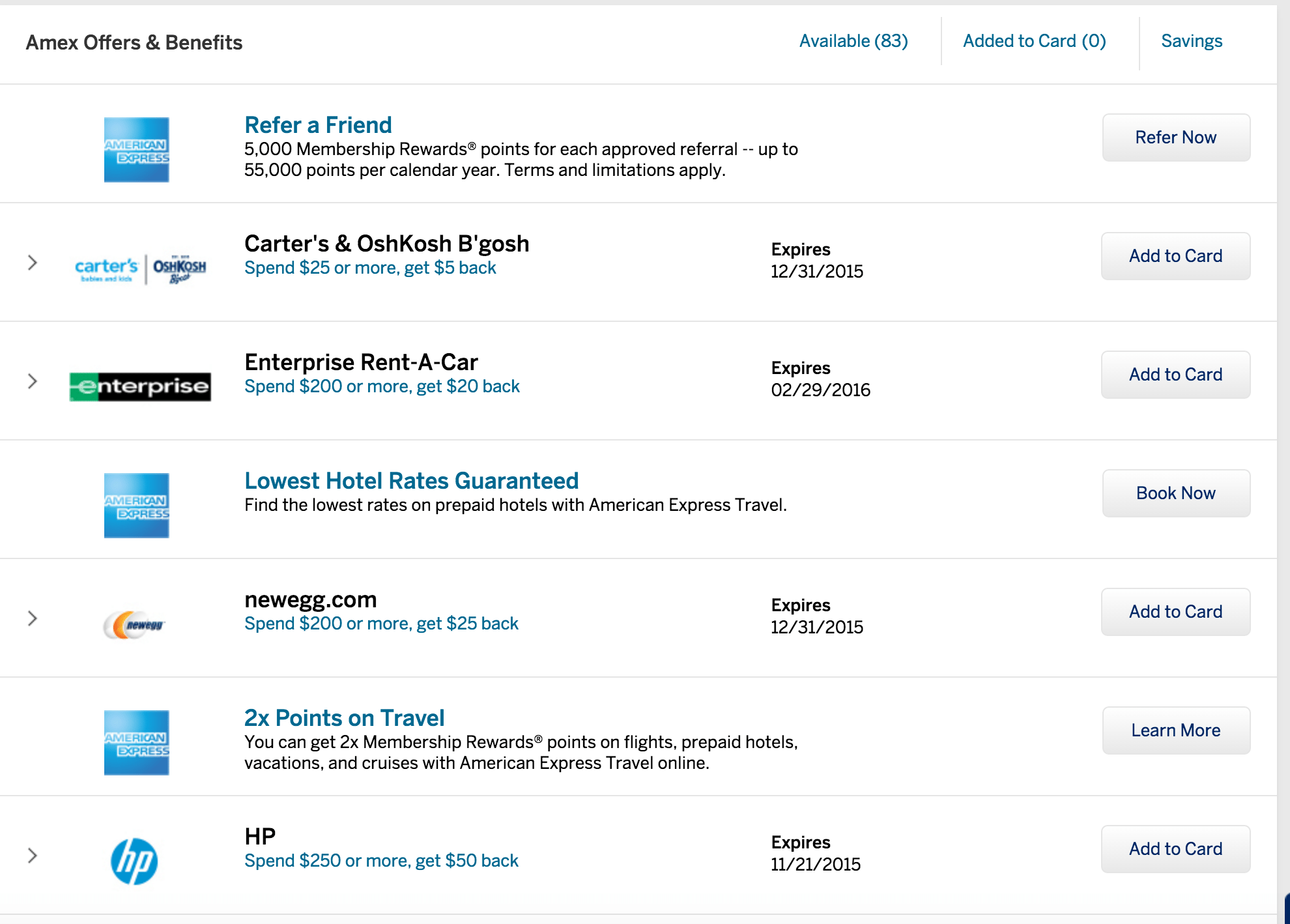
Finally!