

The Offer
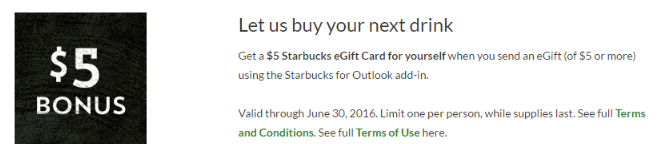
- Get a $5 Starbucks eGift Card for yourself when you send an eGift (of $5 or more) using the Starbucks for Outlook add-in if you are one of this first 50,000 to send. Here’s what you need to do:
- First, visit www.starbucks.com/starbucks-for-outlook for more information and complete instructions. You will find a link to download the Starbucks for Outlook Plug-in from www.store.office.com
- Second, select an eGift design.
- Sign-in to your Starbucks account and complete the purchase of a Starbucks eGift Card for yourself, a friend or family member within the window pane on the right.
The Fine Print
- The Promotion Period runs from 9:00 AM PST on 6/1/16 and ends the earlier of (a) when all 50,000 eGifts are distributed or (b) at 11:59 PM PST on 6/30/16.
- This offer is open to legal residents of the 50 United States and D.C. who are users of Outlook.com, as well as Office 365 users with Outlook 2013, Outlook 2016 or Outlook on the web.
- Limit to one promo per Starbucks account
Our Verdict
Best bet is to purchase another $5 gift card, meaning you’re getting $10 in credit for $5. Not a bad deal if you don’t need to worry about setting up a new outlook account.
Hat tip to karizma23 on slickdeals