
[Update 12/24/19: Seems the app is dead for some time now.]
Below is a guest post from Bill Tomison.
Token App
After the announcement that Bank of America is closing its ShopSafe virtual credit card number program, it’s worth a review of third-party options to generate numbers for spending online or where an extra level of security is preferred. Some of the other big banks continue to offer virtual numbers, (see List of Banks Offering Virtual Account Numbers), but the list is growing shorter.
Another option is an app called Token.
How to Sign Up
Download Token app here; use my referral code WIRTO and you’ll get $5 off your first purchase as well.
Right now, Token primarily operates through the app for iOS or Android. A Chrome browser extension is currently in beta testing.
Token asks for a mobile number, a photo snapped on your phone of your government-issued photo ID (address, full name, date of birth), and a debit or credit card with your listed billing address. For the first card to be verified, they’ll charge the card for a small transaction, you’ll enter the amount in the app for verification, and then the small charge will be refunded.
After you’re verified, cards to put the charges on can be linked by simply entering your name as it appears on the card, the number, and the card’s billing address. You can also link a bank account through the Plaid bank linking program.
Creating a Number
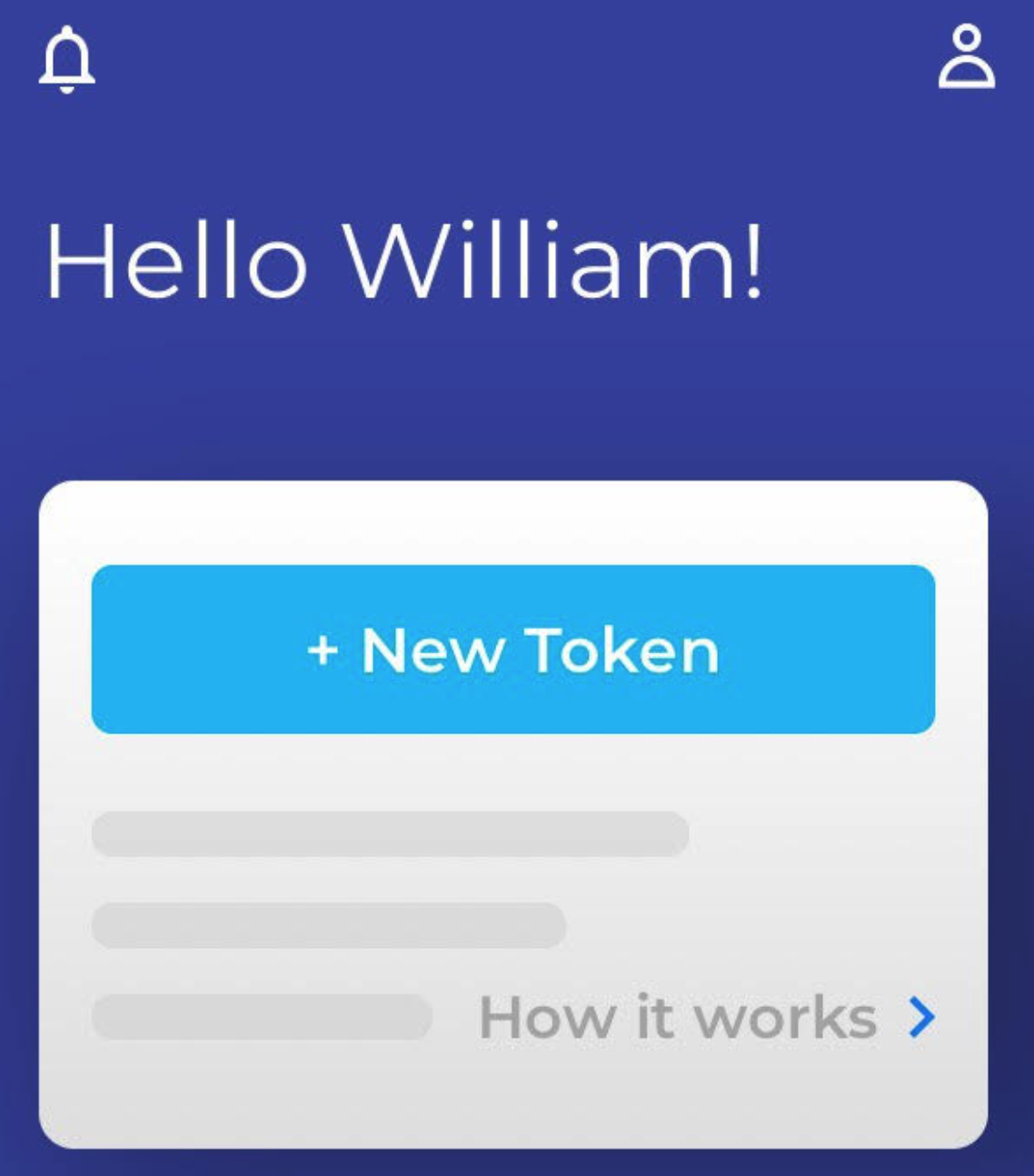
The app’s interface and appearance is pretty simple and clear.
You can create a new number (a “Token”) by tapping a button on the main screen. It will be locked to the first merchant it receives a charge from. (In the case of Netflix, it’ll even show the merchant’s logo.) You can set an optional spending limit – either by transaction or month – and choose which of your payment cards you want charged or bank account to use.
Token requires you to use your real billing address for transactions, but allows you to choose a random name for each new Token if you prefer.
When Token receives a charge, you can get an app notification. You can see activity for the entire app or each individual Token’s activity.
You can “freeze” or delete Tokens whenever you wish, and spending limits or account to use can be changed anytime as mentioned above.
Operating Notes
Token is free; it says it makes money on payment processing fees that are “divided between the payment processing value chain, including Token,” on every transaction.
If you try to use Token for rewards, note that its transactions will be coded as coming from Token, not the merchant. Any rewards/points will appear as a standard charge rather than, for example, an office supply or clothing store.
Token offers no additional rewards/points of its own, as Privacy does.
Wrap Up
Token works well for virtual numbers. If you’re not worried about generating points, it can help on things like meeting minimum transaction amounts per month for debit cards.
Thanks to Bill for the guest post. Hopefully he’ll reply to any questions in the comments as well.